
Stop Worrying About IT. Start Growing Your Business.
Managed IT Services, Cybersecurity, and Technology Support for Businesses in Northern California.
Your technology should help your business grow, not slow it down. Engage IT provides proactive IT support, cybersecurity protection, cloud solutions, and strategic technology planning that keeps your team productive and your business secure.
✅ Fast Local Support
✅ Cybersecurity-First Approach
✅ Flat-Rate Managed IT Services
✅ Trusted by Northern California Businesses
Managed IT
Proactive support and monitoring that keeps your technology running smoothly.
Unlimited Help Desk Support
24x7 Monitoring & Patch Management
Strategic IT Planning
Microsoft 365
Backup and Disaster Recovery
VOIP/Phones
Modern phone systems designed for flexibility, reliability, and seamless communication.
Cloud-Based Business Phones
Call, Text & Collaborate Anywhere
Mobile & Desktop Apps
Auto Attendants & Call Routing
Voicemail-to-Email
Lower Monthly Costs
Business Continuity & Disaster Recovery
Downtime isn't an option.
Automated Backups
Disaster Recovery Planning
Business Continuity Strategies
Backup Verification
Rapid Recovery Solutions
CLOUD COMPUTING
Access your critical data anytime, anywhere, from any device. Maximize your efficiency with on-demand availability of your computer system
NETWORK SECURITY
Keep malicious viruses, malware and ransomware at bay by proactively securing your network, servers and computers.
IT CONSULTING
Make decisions with confidence and ensure a successful future with an Engage IT consultant at your side.
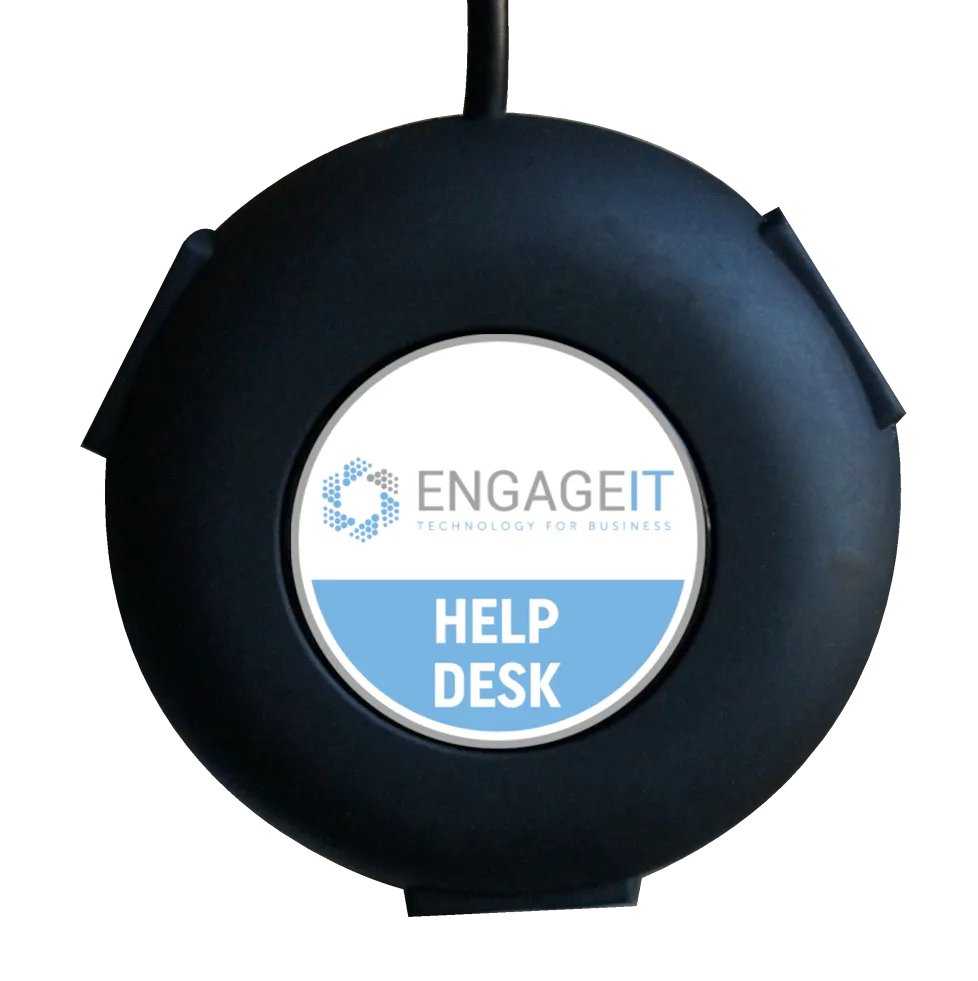
ENGAGE IT - Instant Help with Helpdesk Buttons!
Need help right now?
Our Helpdesk Button technology makes it easier than ever to connect with support. With a single click, our team receives the information needed to diagnose and resolve issues faster, reducing downtime and eliminating frustration.
1.
SEAMLESS SIMPLICITY
No more deciphering geek speak or wracking your brain for passwords. With Helpdesk Buttons and Engage IT, you're just a click away from solutions. We're making tech support as easy as sending a text!
3.
TOMORROW'S TECH, TODAY
Helpdesk Buttons has partnered with the brightest minds at MIT, Google, and Amazon to bring you the latest and greatest. It's like having a tech-savvy buddy who's always a step ahead. Our AI integration is your compass through the digital maze.
2.
LIGHTNING-FAST ASSISTANCE
Waiting around is so last season. Helpdesk Buttons gives us an inside scoop, including screenshots and your computer's story. That means quicker solutions and less downtime. Who doesn't love that?
4.
SUPPORT THAT SMILES
Gone are the days of support ticket dread. With Helpdesk Buttons and Engage IT, you're not just a number in a queue – you're the star of the show. Press the button and let our friendly system work its magic while you sit back and relax.
Ready for a Revolution in IT Support? Contact Engage IT today!
Don't settle for ordinary when you can have extraordinary. Embrace the future of IT solutions with us, your trusted managed services provider. Click, connect, conquer!
Latest Engage IT News
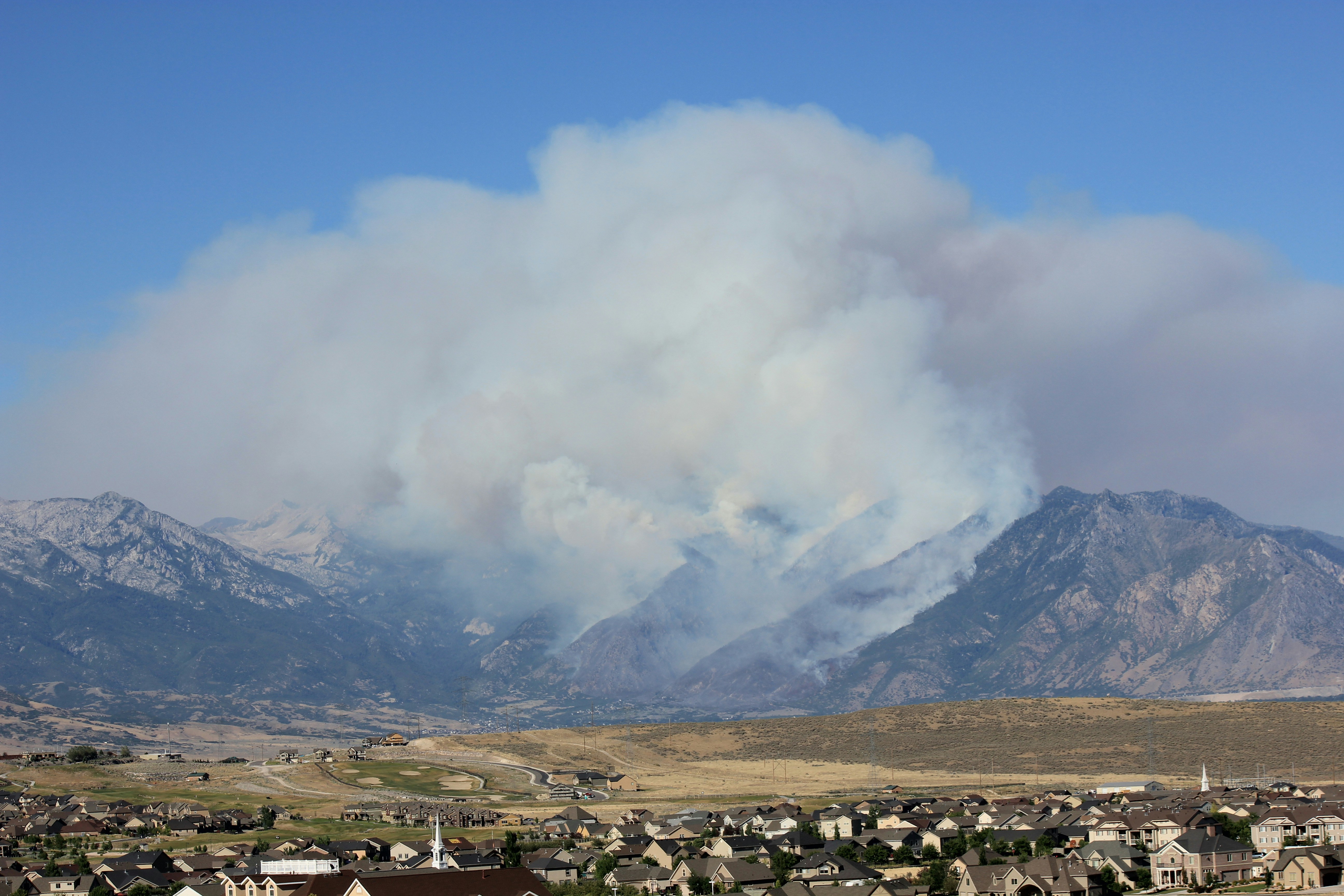
Protect Your Business: Tech Tips for Surviving California's Fire Season
As wildfire season in California grows longer and more intense each year, the risk to businesses isn't just physical—it's digital, too. From safeguarding your data to ensuring you can keep operations running smoothly during emergencies, being technologically prepared is more critical than ever. Here are straightforward, actionable tips every business owner can follow to protect their assets and data during fire season.
Safeguard Your Data with Smart Backups
Imagine losing all your customer information, financial records, and work documents in a fire. It’s a scenario no business owner wants to face. Protect your data by setting up automatic backups. Cloud storage is a fantastic option because it stores your data off-site, far away from any local disaster. Services like SharePoint, Egnyte and Microsoft OneDrive offer affordable and secure cloud storage solutions that automatically update your backups regularly.
Keep Your Equipment Safe
While your digital data might be backed up in the cloud, your physical equipment is still vulnerable. Consider these steps:
Use Fire-Resistant Materials: When possible, use fire-resistant materials to store critical hardware.
Evaluate Your Location: Check if your business is in a high-risk area for wildfires and plan accordingly.
Install Surge Protectors and UPS: Power surges are common during wildfires. Protect your IT equipment with good quality surge protectors and uninterruptible power supplies (UPS).
Ensure You Can Communicate No Matter What
During a fire, staying in touch with your team and clients becomes more challenging—and more necessary. Set up a redundant communication system:
Have a Backup Plan: In addition to your primary communication methods, have alternatives like satellite phones which can operate independently of local infrastructure.
Create an Emergency Communication Plan: Make sure everyone on your team knows who to contact and how, should the primary lines fail.
Enable Remote Work
Wildfires may make your physical business location inaccessible. Prepare for this by setting up remote work capabilities:
Remote Access Tools: Invest in reliable remote desktop tools and ensure that your employees can access necessary systems from home.
Utilize Collaboration Tools: Tools like Microsoft Teams can help keep your team coordinated and productive from anywhere.
Stay Informed with Real-Time Alerts
Staying updated on fire spread and safety recommendations can save your business from last-minute scrambles:
Setup Alerts: Use apps and services that provide real-time alerts about wildfires in your area. Apps like Cal Fire and services like Google Alerts can be invaluable.
Monitor Systems: Consider using IT services that monitor your network and systems 24/7, alerting you to any irregularities that could indicate fire damage or system failure.
Don't let fire season catch you off guard. By taking steps now to protect your data, prepare your infrastructure, ensure communication, and enable remote work, you can safeguard your business against the unpredictable nature of wildfires. An annual review of your preparedness measures can make all the difference when disaster strikes.
Need Help Getting Started?
If you're unsure about your business's tech readiness for fire season, we’re here to help. Contact us for a free consultation, and we'll help you ensure your business is prepared for anything.